Playing Faunara on desktop, mobile and Steam Deck
Faunara runs in the browser through PlayKORE. Start with the current browser game, use the in-game graphics and control settings, and judge device performance from actual play rather than a universal hardware promise.
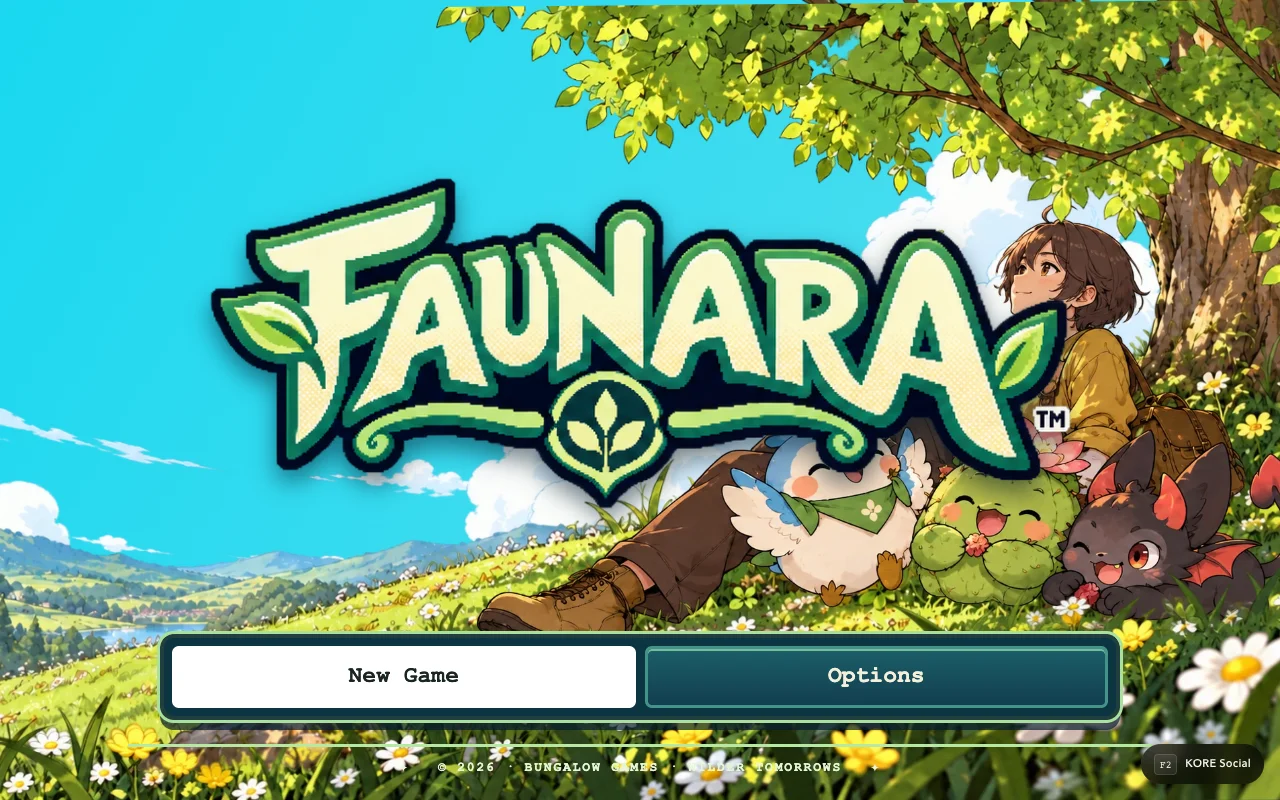
Start with the browser version
Open Faunara directly. Reaching the title is different from loading an adventure: the full game waits for New Game or Continue. This lets you inspect Options before committing to a journey or beginning world loading.
A successful title load does not guarantee smooth gameplay on every device. World assets, graphics settings, available memory, browser support and the device's thermal state can affect the experience. There is no fabricated universal minimum-spec table on this page.
Use settings before troubleshooting blindly
Choose the graphics preset that suits your device, then test in actual exploration and a battle. A menu can be smooth while a busy scene is heavier. Conversely, a first visit may include asset loading that does not represent steady-state frame pacing.
| What you observe | Useful next check |
|---|---|
| Long initial load | Network progress and first-time asset loading |
| Consistently slow play | Graphics preset, resolution and device load |
| A brief hitch on arrival | Whether it repeats on a later visit |
| Missing input | Focus, current context and control bindings |
| Very cramped mobile view | Orientation and overlapping browser UI |
Change one option at a time so you can tell which change helped. Do not assume a browser refresh will fix a repeatable graphics cost.
Mobile and touch
Use the on-screen controls and check that the browser UI is not obscuring them. Portrait and landscape layouts have different usable space. If the device gets hot during a long session, compare performance after a short break before concluding that a particular update changed the frame rate.
This guide does not label every phone as supported or certify a newly tested handset matrix. The appropriate evidence is a repeatable session on the device and browser you intend to use.
Steam Deck and controllers
A browser session and an installed desktop wrapper are different delivery paths. Begin with the browser game and confirm the controller prompts and layout. For PlayKORE's separate K.O.R.E. installer route, see the K.O.R.E. Steam Deck guide; its installer is not a promise that Faunara has the same package.
Before clearing storage, read saves and recovery. When reporting performance, record device, browser, graphics preset, scene and whether the issue occurs after the initial load. Those details make a comparison meaningful without turning a single session into a universal benchmark.
Sources & verification
View the research record
Coverage: Named source passages inspected; practical routines are original advice. Production entry and selected source comparisons are recorded separately. No whole-roster, full-campaign, physical-device or universal network certification.
First-party facts: Named runtime/source passages and the selected live entry checks recorded here. Original additions: Explanations, comparison framing and practice routines. Gaps: No full-campaign, whole-roster, universal device or network certification. Development tooling is distinct from public capabilities.
Source review: October 20, 2026. Public claims remain bounded by the scope of each source.
- faunara entry
Title, save chooser, Options and full-game entry; inspected DOM and source.
Inspected named local source passages and public response; bounded coverage below.
Inspected source fingerprint:
72a2dbb5ffe4f30d349ae0a51c9c0b71d680b54f7197c77669ed85ca26cc91d8. Public response fingerprint:d95d6698a369b745350a002bd45b328bc4b9e0ac2c2935dd131e53507ece54f0. Local source and public response differ or are different representations; no complete build equivalence is claimed.- faunara input
Contextual movement, menu and field bindings; configured bindings take precedence.
Inspected named local source passages and public response; bounded coverage below.
Inspected source fingerprint:
be46761b8ec94462e89d6d01e0451183a80bd2be1a3eafd51fe4a2a2af3b1f31. Public response fingerprint:be46761b8ec94462e89d6d01e0451183a80bd2be1a3eafd51fe4a2a2af3b1f31. Source and public response are byte-identical.
Article fingerprint: ee0867d2e34d3953377d5a0913ff57643c944726ebfc634577ced8b199e4fd28.