Faunara controls: keyboard, controller and touch
Faunara uses context-sensitive controls. Keyboard defaults include WASD or arrows to move, Enter to interact, M for the map and Escape for pause; check the in-game bindings for battle and device-specific prompts.
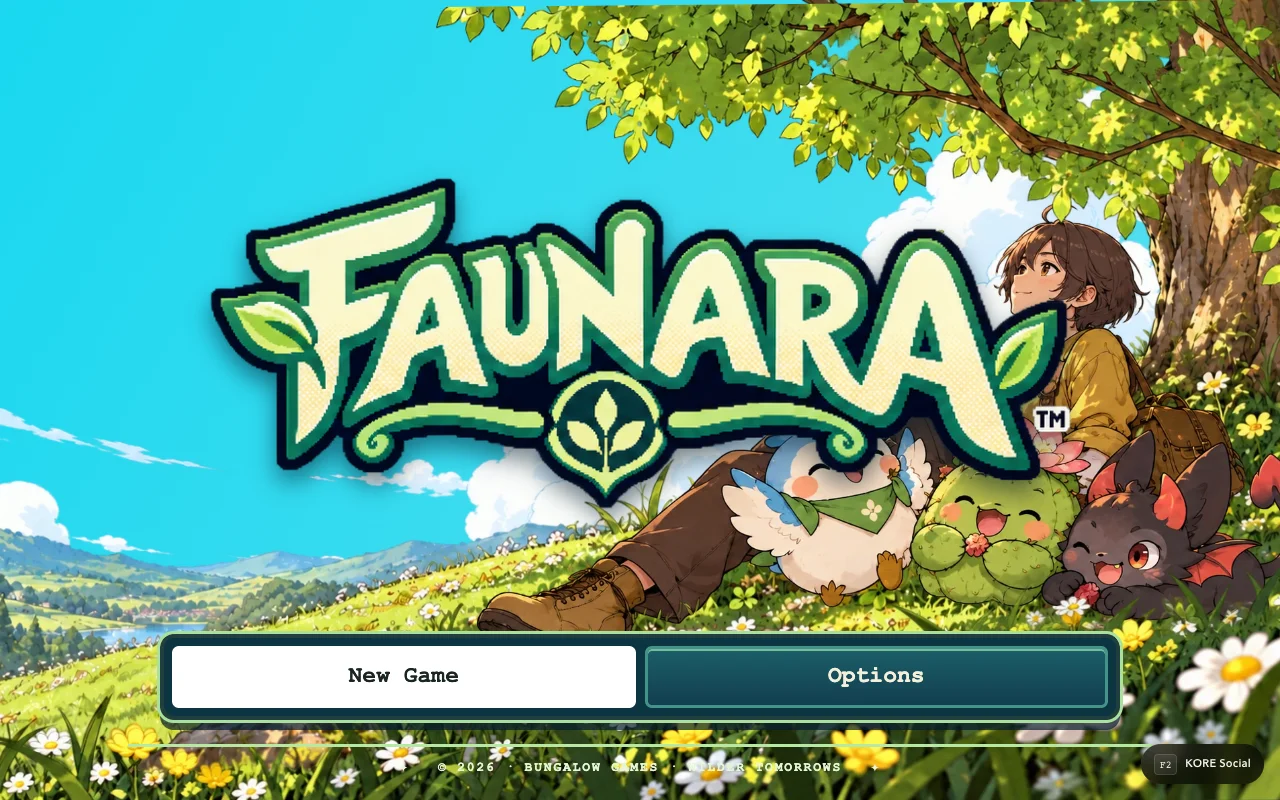
Core exploration defaults
The shared input source defines these keyboard defaults. Saved bindings and the current gameplay context can change what a press does, so the live Controls screen is the final reference for your session.
| Action | Default keyboard input | Context |
|---|---|---|
| Move | W A S D or arrow keys | Exploration and supported movement modes |
| Interact | Enter | Exploration |
| Partner field action | T | Exploration |
| Open Bag | B | Supported gameplay contexts |
| Open map | M | Gameplay and map |
| Pause or resume | Escape | Gameplay/menu flow |
| Fauna burst / exploration pace | Shift | Effect depends on current mode |
Why one key can have several meanings
Faunara distinguishes exploration, battle, stance, bike, swimming and Raceway input. A key shown for one context is not a promise of the same action everywhere. Space, for example, participates in more than one contextual action. Read the on-screen prompt when moving between modes instead of memorizing an undifferentiated list.
Battle movement also differs from ordinary travel. The current fauna burst uses the Run binding; it is separate from the energy-costing dodge. A burst should not be treated as invulnerability. The combat guide explains the decisions those controls support without replacing the live move prompts.
Controller setup
Connect the controller before testing a long sequence and give the page focus. Browser-standard gamepad numbers describe physical positions; an Xbox-style label and another controller's printed label need not match. Use the game's displayed prompts and binding options to confirm movement, confirm/back and pause before entering a fight.
Avoid holding a direction while closing a dialog. Release the stick or keys, then make a fresh press if a menu has just taken input focus. This makes it easier to distinguish a focus transition from a disconnected controller.
Touch and browser focus
On touch devices, use the visible controls for the current mode and leave enough screen space for the scene and prompts. A desktop keyboard shortcut is not an instruction to connect a keyboard to a phone. Rotation, overlays and the browser's address bar can change usable space; close an unrelated panel before judging whether a control is missing.
If an input appears stuck, pause, release all controls and resume. Check your configured binding before reloading. Reloading can discard a moment of unsaved progress, so use the game's own save flow when possible. For performance rather than binding problems, see devices and performance.
Sources & verification
View the research record
Coverage: Named source passages inspected; practical routines are original advice. Production entry and selected source comparisons are recorded separately. No whole-roster, full-campaign, physical-device or universal network certification.
First-party facts: Named runtime/source passages and the selected live entry checks recorded here. Original additions: Explanations, comparison framing and practice routines. Gaps: No full-campaign, whole-roster, universal device or network certification. Development tooling is distinct from public capabilities.
Source review: October 20, 2026. Public claims remain bounded by the scope of each source.
- faunara input
Contextual movement, menu and field bindings; configured bindings take precedence.
Inspected named local source passages and public response; bounded coverage below.
Inspected source fingerprint:
be46761b8ec94462e89d6d01e0451183a80bd2be1a3eafd51fe4a2a2af3b1f31. Public response fingerprint:be46761b8ec94462e89d6d01e0451183a80bd2be1a3eafd51fe4a2a2af3b1f31. Source and public response are byte-identical.- faunara entry
Title, save chooser, Options and full-game entry; inspected DOM and source.
Inspected named local source passages and public response; bounded coverage below.
Inspected source fingerprint:
72a2dbb5ffe4f30d349ae0a51c9c0b71d680b54f7197c77669ed85ca26cc91d8. Public response fingerprint:d95d6698a369b745350a002bd45b328bc4b9e0ac2c2935dd131e53507ece54f0. Local source and public response differ or are different representations; no complete build equivalence is claimed.
Article fingerprint: e3ccc2ee804fd0286d61153e4d008ef60ce7b3fe36c85ff6d7b08e9e7c3bf252.