K.O.R.E. Arcade and Training: which mode to start with
Use K.O.R.E. Training to learn inputs, spacing and one fighter’s moves. Use Arcade for a run through its opponent/progression structure, checking the current mode options rather than assuming every mode shares the same rules.
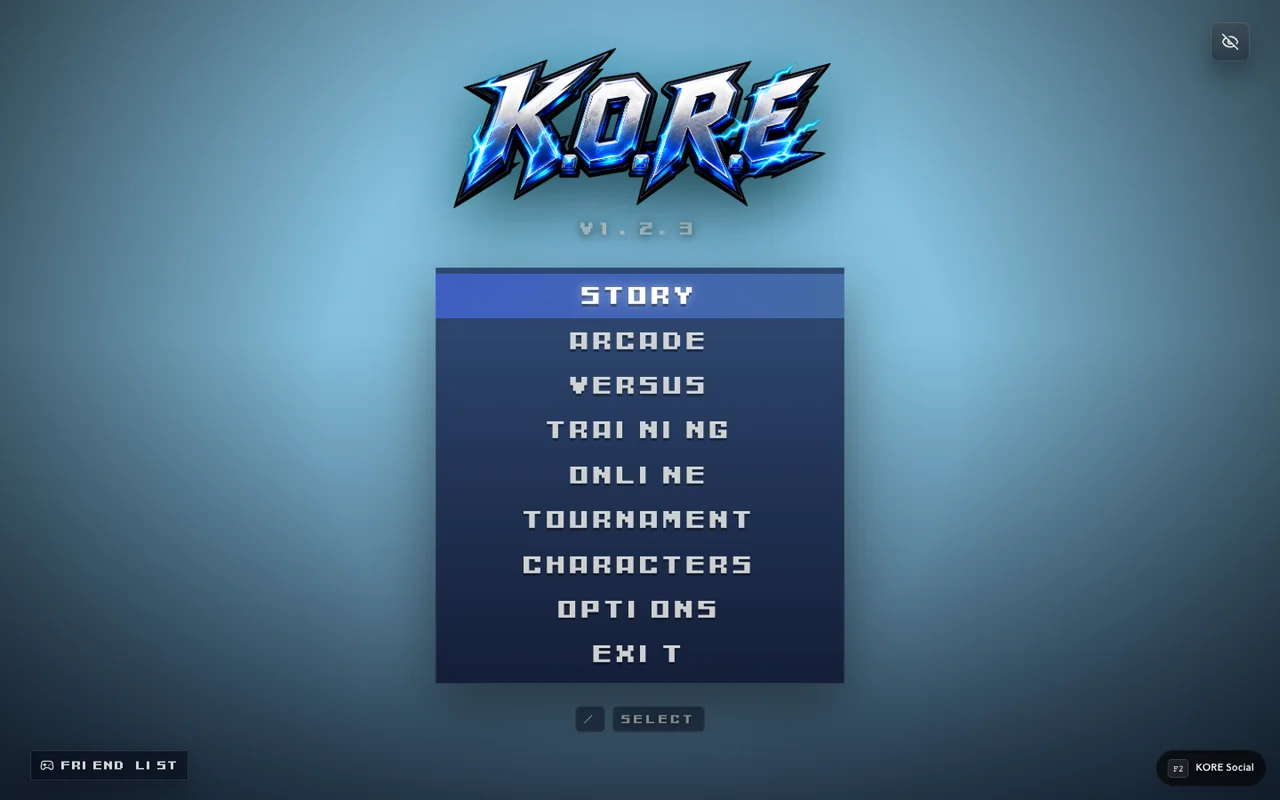
Choose the session you need
Training and Arcade answer different needs. Training is useful when you want repeated observations of movement or an attack. Arcade gives those skills a run structure with opponents and outcomes. Neither is a substitute for confirming your controls before the first fight.
The current source includes both training and arcade systems. That establishes implementation paths, not a claim that every possible fighter, stage and difficulty combination was completed in this review. Use the live menu to see the current options.
| Your immediate goal | Useful starting point |
|---|---|
| Learn one input | Training with a familiar fighter |
| Compare attack ranges | Training at a consistent distance |
| Practice a short follow-up | Training with repeatable setup |
| Play a sequence of opponents | Arcade with its current run rules |
| Test a remote connection | The relevant online room, after local checks |
Make Training repeatable
Keep the fighter and setup consistent while changing one decision. If you want to learn attack range, vary distance rather than alternating through several unrelated moves. If you want to learn a command, keep the distance steady and inspect the input.
Practice features can alter the conditions of a session. Check the current training options before comparing results with a normal match. An intentionally permissive practice setup is not evidence that the same resources or behavior apply in Arcade.
Treat an Arcade run as its own state
Read the run's current progress and outcome screens rather than assuming every return to selection is a new independent match. The inspected source includes run progression, lives and score handling. This guide does not publish unverified reward or unlock promises for completing a particular run.
Choose a comfortable difficulty and a fighter whose basic actions you recognize. If an unfamiliar opponent exposes a weakness, use the result to choose a focused Training exercise afterward. That is more useful than changing every setting at once.
Preserve useful comparisons
Write down the mode, fighter and relevant setup when reporting a repeatable issue. “This attack behaved differently in Training with these options” is a stronger observation than “the same move is random.” Distinguish a rule difference, an asset problem and an input problem.
Use beginner combat for a practice routine and roster selection for available versus locked fighters. For online setup, follow rooms rather than assuming Arcade progression creates a multiplayer session.
Sources & verification
View the research record
Coverage: Named source passages inspected; practical routines are original advice. Production entry and selected source comparisons are recorded separately. No whole-roster, full-campaign, physical-device or universal network certification.
First-party facts: Named runtime/source passages and the selected live entry checks recorded here. Original additions: Explanations, comparison framing and practice routines. Gaps: No full-campaign, whole-roster, universal device or network certification. Development tooling is distinct from public capabilities.
Source review: October 20, 2026. Public claims remain bounded by the scope of each source.
- kore app
Inspected menu, mode and importer source. Character import and MUGEN stage import POST to /__kore/dev/ endpoints. Source inspection is not a complete production compatibility test.
Inspected named local source passages and public response; bounded coverage below.
Inspected source fingerprint:
c91886ba1e3ebc951e3c3ef50356cfe64fb2718164bdccf7ea59d636960160ae. Public response fingerprint:38cc2f2a18a415a64a9cea8d0af2880043ff8c826d00f37d973b5f28e0f80d9d. Local source and public response differ or are different representations; no complete build equivalence is claimed.- kore controls
Default P1 WASD, U/I/J/K, Space, O, Enter, Escape. Saved settings override defaults.
Inspected named local source passages and public response; bounded coverage below.
Inspected source fingerprint:
a43e1af0089e4842e93e70366e9bacf900676cca35043247914f50f198224d7f. Public response fingerprint:38cc2f2a18a415a64a9cea8d0af2880043ff8c826d00f37d973b5f28e0f80d9d. Local source and public response differ or are different representations; no complete build equivalence is claimed.
Article fingerprint: 3abde9a9d288cb570622240641aa3a529cb92019167df8dcc5da870e9b44fc80.