K.O.R.E. beginner combat: learn spacing before combos
Learn K.O.R.E. with one fighter, one reliable attack and a short Training routine. Establish movement, range and recovery before trying longer combos or judging online performance.
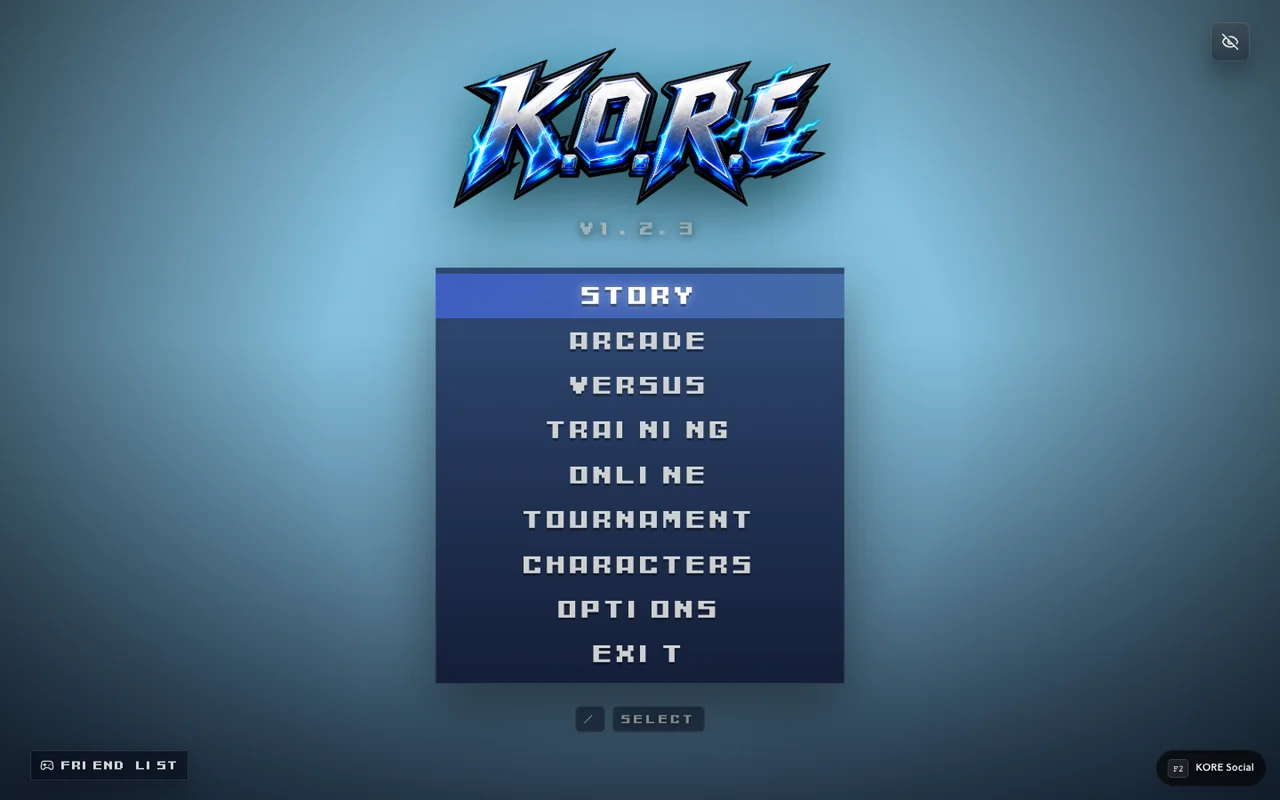
Keep the first session small
Choose one selectable fighter and remain with that fighter long enough to recognize the normal attack animations. Switching after every missed move makes it harder to learn whether a mistake came from spacing, timing or an unfamiliar command.
Begin in Training where possible. The goal is not to memorize a complete move list immediately; it is to understand what one deliberate input does. Check controls first so a binding problem does not look like a combat-system problem.
A five-minute practice routine
- Move toward and away from the opponent without attacking.
- Use one basic attack from close range and watch its full animation.
- Repeat from farther away until you can recognize its effective reach.
- Add a second attack only after the first has completed.
- Practice pausing and returning to neutral without holding an attack.
This routine is original teaching advice, not a hidden game requirement. Its purpose is to separate movement, range and recovery into observations you can make reliably.
Read what happened before choosing the next action
A missed attack is useful information. Ask whether you were facing the intended target, whether the opponent was in range and whether your previous action had finished. A visually dramatic effect is not evidence that every part of the screen is a hit area.
Once you can land a basic attack deliberately, inspect a move with a different purpose: a longer reach, a different trajectory or a recovery tradeoff. The exact properties belong to that fighter's current data. This guide does not invent a universal frame table or assume all roster members share the same fastest move.
Add combos after consistency
A short reliable follow-up is more useful than an impressive sequence you cannot start on purpose. Practice from a consistent distance and compare a successful attempt with a failed one. Avoid changing both the fighter and the input scheme while you are troubleshooting the same sequence.
If the game offers input history or move information in the selected mode, use it to distinguish what you pressed from what you intended to press. Do not infer a network problem from a failed command in an offline practice session.
Move into matches deliberately
Try Arcade or another appropriate mode once movement and basic recovery feel readable. Online play adds connection and opponent variability, so use the online-room guide before treating an online exchange as a pure timing test. The mode guide explains how practice and progression sessions serve different goals.
Sources & verification
View the research record
Coverage: Named source passages inspected; practical routines are original advice. Production entry and selected source comparisons are recorded separately. No whole-roster, full-campaign, physical-device or universal network certification.
First-party facts: Named runtime/source passages and the selected live entry checks recorded here. Original additions: Explanations, comparison framing and practice routines. Gaps: No full-campaign, whole-roster, universal device or network certification. Development tooling is distinct from public capabilities.
Source review: October 20, 2026. Public claims remain bounded by the scope of each source.
- kore app
Inspected menu, mode and importer source. Character import and MUGEN stage import POST to /__kore/dev/ endpoints. Source inspection is not a complete production compatibility test.
Inspected named local source passages and public response; bounded coverage below.
Inspected source fingerprint:
c91886ba1e3ebc951e3c3ef50356cfe64fb2718164bdccf7ea59d636960160ae. Public response fingerprint:38cc2f2a18a415a64a9cea8d0af2880043ff8c826d00f37d973b5f28e0f80d9d. Local source and public response differ or are different representations; no complete build equivalence is claimed.- kore controls
Default P1 WASD, U/I/J/K, Space, O, Enter, Escape. Saved settings override defaults.
Inspected named local source passages and public response; bounded coverage below.
Inspected source fingerprint:
a43e1af0089e4842e93e70366e9bacf900676cca35043247914f50f198224d7f. Public response fingerprint:38cc2f2a18a415a64a9cea8d0af2880043ff8c826d00f37d973b5f28e0f80d9d. Local source and public response differ or are different representations; no complete build equivalence is claimed.
Article fingerprint: 6500d20deed35fcfe6b1953be9e43f243b01a64b15aa1416abaaa2605d88f78f.