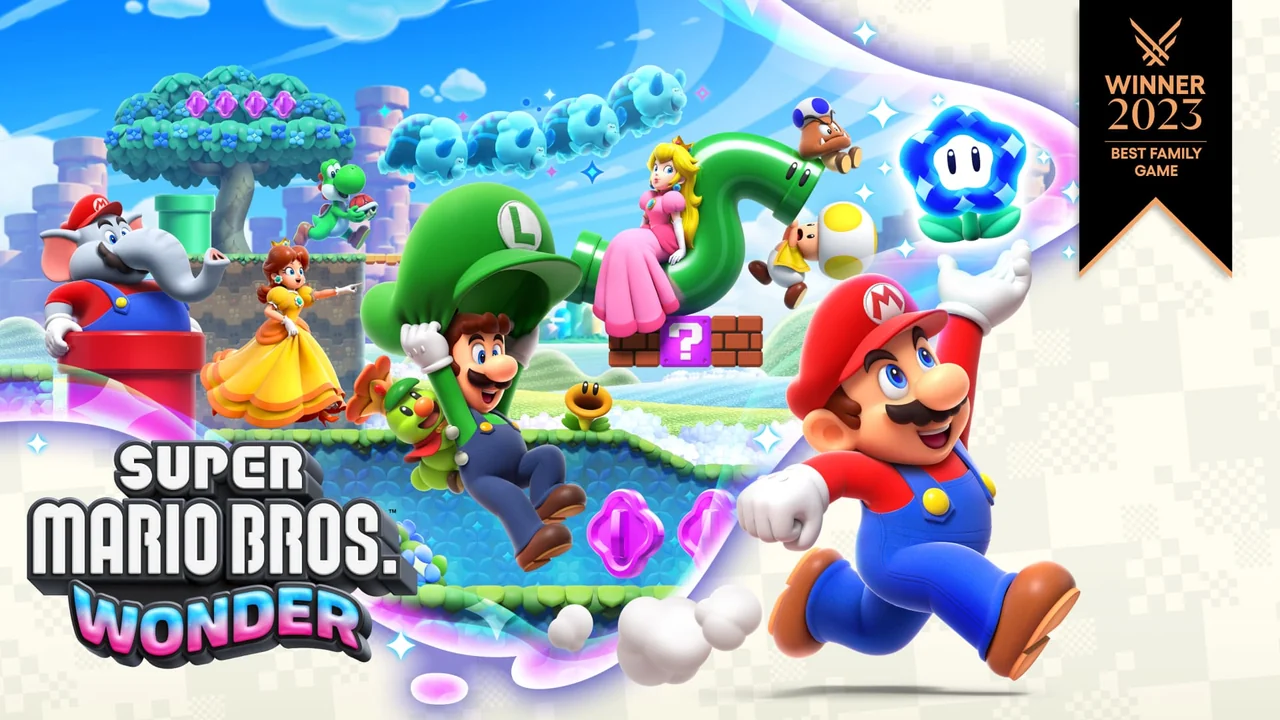
Choose characters with the group in mind
The game offers characters with different accessibility characteristics. Read the selection screen’s explanations rather than assuming every character takes damage or uses transformations in exactly the same way.
An easier character can help a newcomer stay involved without requiring the experienced player to stop the entire session. That is a practical group choice, not a lesser way to play.

Learn the shared-screen rhythm
Players cannot explore indefinitely in opposite directions. Watch the group’s position and avoid racing ahead while another person is learning a jump or inspecting a new mechanic.
Agree on whether the goal is reaching the exit, collecting secrets or practicing a difficult section. Those are different paces, and a simple agreement prevents most frustration.
Badges and transformations change the challenge
Read the effect currently active before blaming an unexpected movement on the controller. A new badge or Wonder effect can deliberately change what the level asks you to do.
Try a new movement ability in a forgiving part of the stage before making the group depend on it during a difficult jump.
Local co-op is not the same as online features
Wonder’s online interactions have their own design and requirements. Do not assume an internet feature duplicates the shared-screen local campaign. Check the official page’s exact description for the mode you want.
For a first session, choose a simple stage, inspect controller assignments and let each person try moving and jumping before starting a harder course. The goal is a group that understands the setup, not a rushed character-selection screen.
Sources & update notes
- mario-wonder — Nintendo USSource checked 2026-10-18 · Archived primary-source text
View the research record
The references below support the scoped mechanics or platform information. Examples and practical explanations are original PlayKORE writing.
Coverage: Source-researched explanation; no hands-on game or installation test claimed.
Reader question: How does co-op work in Super Mario Bros. Wonder?
Version and region: US English; specific games, generations and other regions are labeled in the article.
- Source supports the game/version or platform described; practical planning advice and examples are PlayKORE’s own explanation.
Images: Publisher promotional image. Official source and image credit. Copyright remains with the credited publisher and developers. Supporting diagrams are original PlayKORE graphics.
Record: Published 2026-10-18; last substantive update 2026-10-18; source check 2026-10-18.