Read the player information precisely
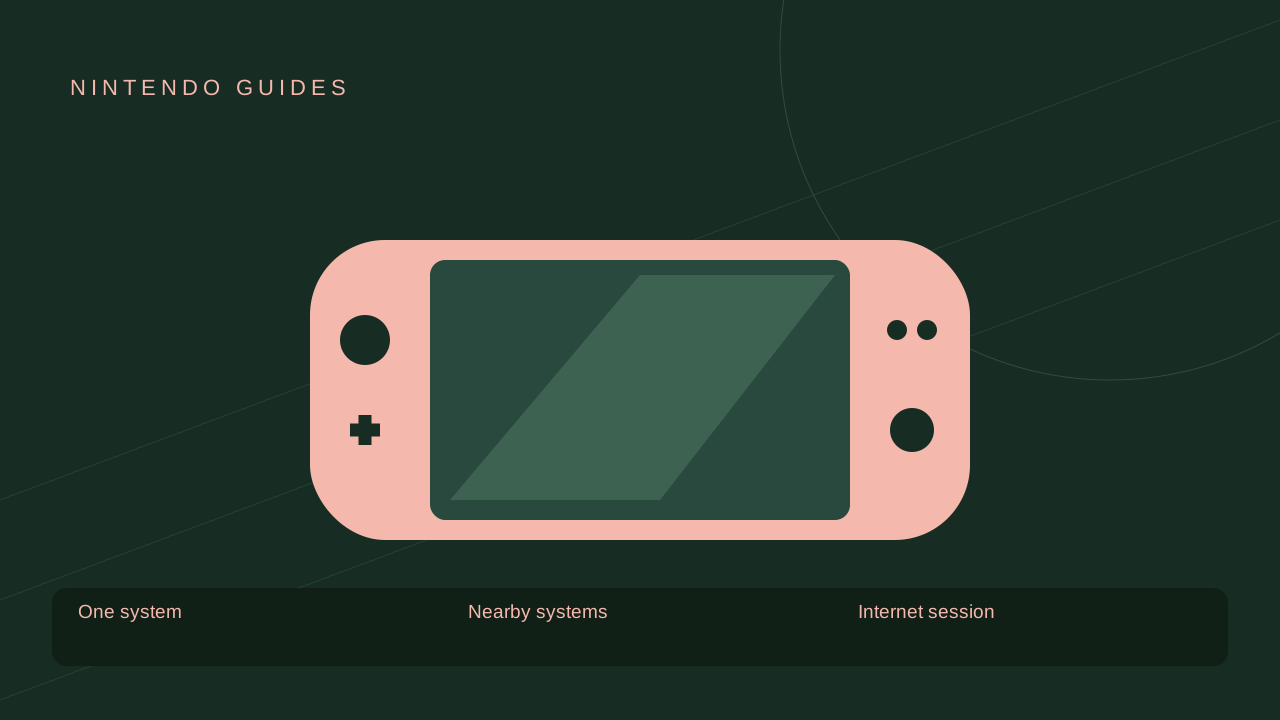
A listing can show different player counts for one system, local wireless and online play. Those numbers describe different setups. Four players on one television is not the same purchase or controller arrangement as four players on four systems.
Check whether each player needs a copy of the game and whether a sharing feature changes that requirement for the particular mode. Do not apply one game’s GameShare support to another title.

Local play still has hardware requirements
You may need a controller for each person, and some modes require particular motion-capable controllers or accessories. Switch Lite’s integrated controls do not mean every detached-controller mode works without extra hardware.
Online play adds service requirements
Compatible paid games can require Nintendo Switch Online, along with accounts and internet. Some free-to-start games work differently. Read the specific listing and any age or communication restrictions.
Voice chat or GameChat is also separate from the game’s matchmaking. Being able to talk to a friend does not make a local-only trade or co-op mode work across the internet.
Diagnose the setup before the connection
Ask where the players are, how many systems are involved and which mode everyone selected. A local lobby will not necessarily appear in the online menu, and an old session code may no longer be valid.
For a shared evening, confirm the controller count, copies and mode ahead of time. Those practical details prevent more frustration than treating every problem as a weak Wi-Fi signal.
Sources & update notes
- Nintendo Switch Online overviewSource checked 2026-10-18 · Archived primary-source text
- Nintendo Switch 2 transfer guideSource checked 2026-10-18 · Archived primary-source text
View the research record
The references below support the scoped mechanics or platform information. Examples and practical explanations are original PlayKORE writing.
Coverage: Source-researched explanation; no hands-on game or installation test claimed.
Reader question: Local vs. online multiplayer on Nintendo Switch
Version and region: US English; specific games, generations and other regions are labeled in the article.
- Source supports the game/version or platform described; practical planning advice and examples are PlayKORE’s own explanation.
- Source supports the game/version or platform described; practical planning advice and examples are PlayKORE’s own explanation.
Images: Original PlayKORE illustration. It is an explanatory graphic, not a game screenshot. Supporting diagrams are original PlayKORE graphics.
Record: Published 2026-10-18; last substantive update 2026-10-18; source check 2026-10-18.